FSFoundation and setup
Start with clean structure, not cleanup later.
Create the company, branches, users and operating defaults before daily transactions begin, so every sale, purchase and report starts from the same trusted business context.
Purpose
Prepare a branch-ready workspace.
Users do
Set company identity, users, branches and defaults.
Benefit
- Faster onboarding
- Cleaner starting data
- Less rework
Company profileBranch contextUsersOperational defaults
PIProducts and inventory
Know what you have before someone asks for it.
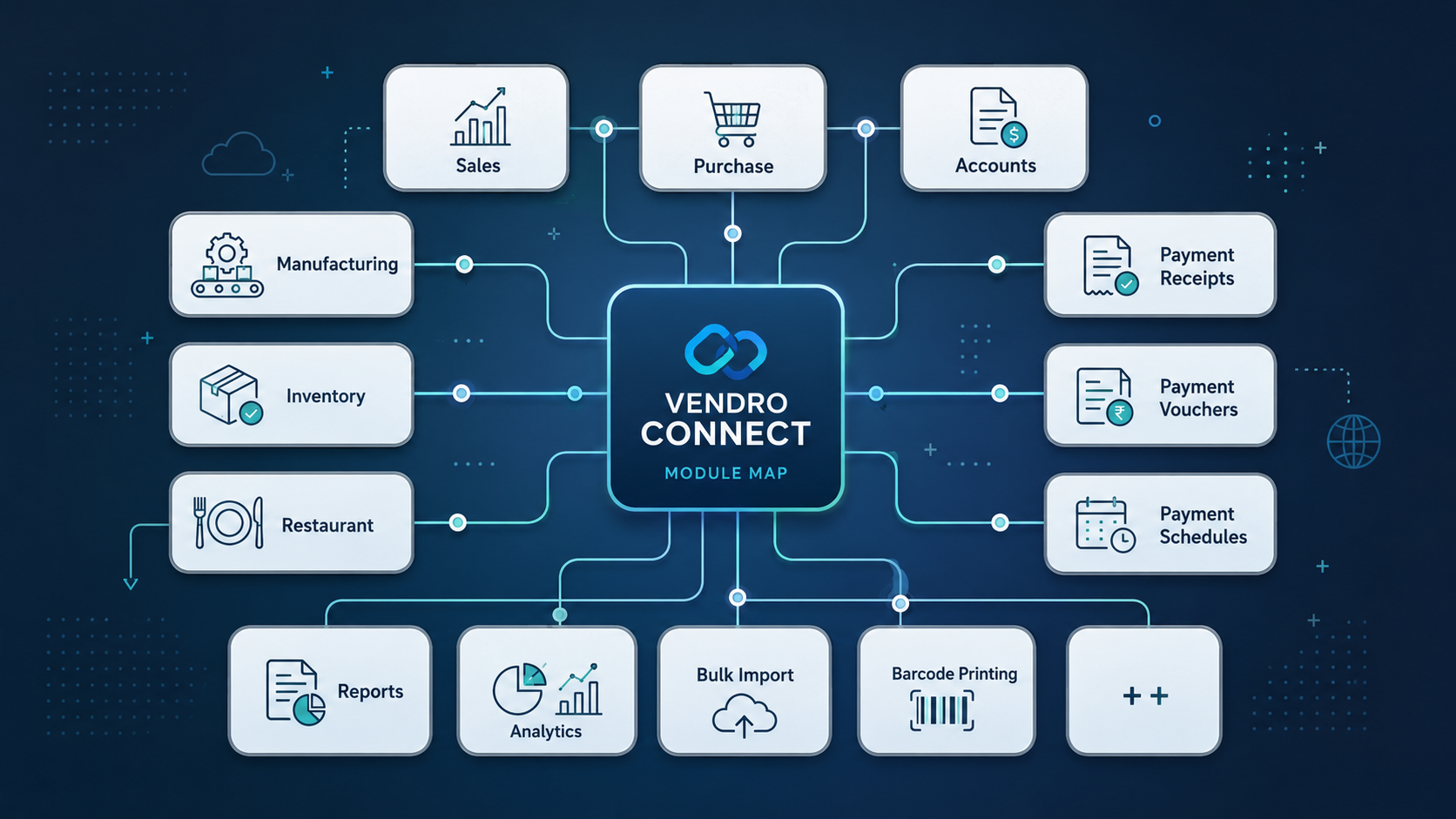
Keep product records, barcodes, opening stock, stock lookup and movement history in one place, so sales and purchasing teams stop guessing what is available.
Purpose
Make stock position easy to trust.
Users do
Create products, check quantities and follow stock changes.
Benefit
- Fewer stock mistakes
- Faster checks
- Cleaner audit trail
Product masterOpening stockStock movementBarcode setup
SPSales and POS
Move from customer to invoice without slowing the counter.
Handle POS billing, sales invoices, returns, reprints and customer billing through a front-line flow built for busy counters and practical sales teams.
Purpose
Turn orders into clean invoices.
Users do
Bill, return, reprint and serve customers faster.
Benefit
- Faster billing
- Cleaner checkout flow
- Better service speed
POS saleSales invoiceReturnsInvoice search
PUPurchasing
Give supplier buying the same discipline as sales.
Record purchase invoices, returns and supplier history so incoming stock, supplier activity and cost visibility stay connected to the rest of the business.
Purpose
Keep buying activity documented.
Users do
Record purchases, manage returns and review supplier history.
Benefit
- Better purchasing control
- Easier follow-up
- Clearer cost visibility
Purchase invoicePurchase returnSupplier recordsPurchase history
FAFinance and accounts
Keep receipts, payments and vouchers close to the work that created them.
Post cash and bank activity, receipt vouchers, payment vouchers and supporting entries without disconnecting finance from sales, purchasing and daily operations.
Purpose
Connect money movement to operational records.
Users do
Post receipts, payments, vouchers and adjustments.
Benefit
- Better cash visibility
- Cleaner voucher history
- Less reconciliation stress
Cash accountsBank vouchersReceiptsPayments
RAReports and analytics
See what changed before it becomes a problem.
Review sales, purchase, stock, customer, supplier and cash or bank reporting with stronger analytics and KPI visibility as teams move into higher tiers.
Purpose
Turn activity into business visibility.
Users do
Review performance, trends and branch activity.
Benefit
- Faster decisions
- Better visibility
- Stronger follow-up
Sales reportsStock reportsCash reportsAnalytics
IOImports and onboarding
Launch faster by removing repetitive entry.
Load products, customers, suppliers and opening stock in bulk, then prepare product records for practical store and warehouse work like barcode printing.
Purpose
Reduce manual typing during setup.
Users do
Import master data and prepare launch records.
Benefit
- Faster go-live
- Less repetitive entry
- Better data consistency
Product importsCustomer importsOpening stockBarcode printing
SASecurity and access
Let people work fast without giving everyone everything.
Secure login, branch context, role-based access and approval support keep users inside the right operational boundaries as teams and branches grow.
Purpose
Control what each role can see and do.
Users do
Sign in safely and work within assigned access.
Benefit
- Better access control
- Safer team scaling
- Clearer approval flow
Secure loginRolesBranch contextApprovals
IWIntegrations and workflow
Keep exceptions visible instead of buried in conversations.
Alerts, approvals, workflow checkpoints and support pathways help teams follow up on what needs attention without relying on memory or manual chasing.
Purpose
Coordinate work that needs review or follow-up.
Users do
Review flagged activity and track pending work.
Benefit
- Faster follow-up
- Better discipline
- Smoother coordination
AlertsApprovalsNotificationsSupport requests